Assignment 1 – Basic HTML
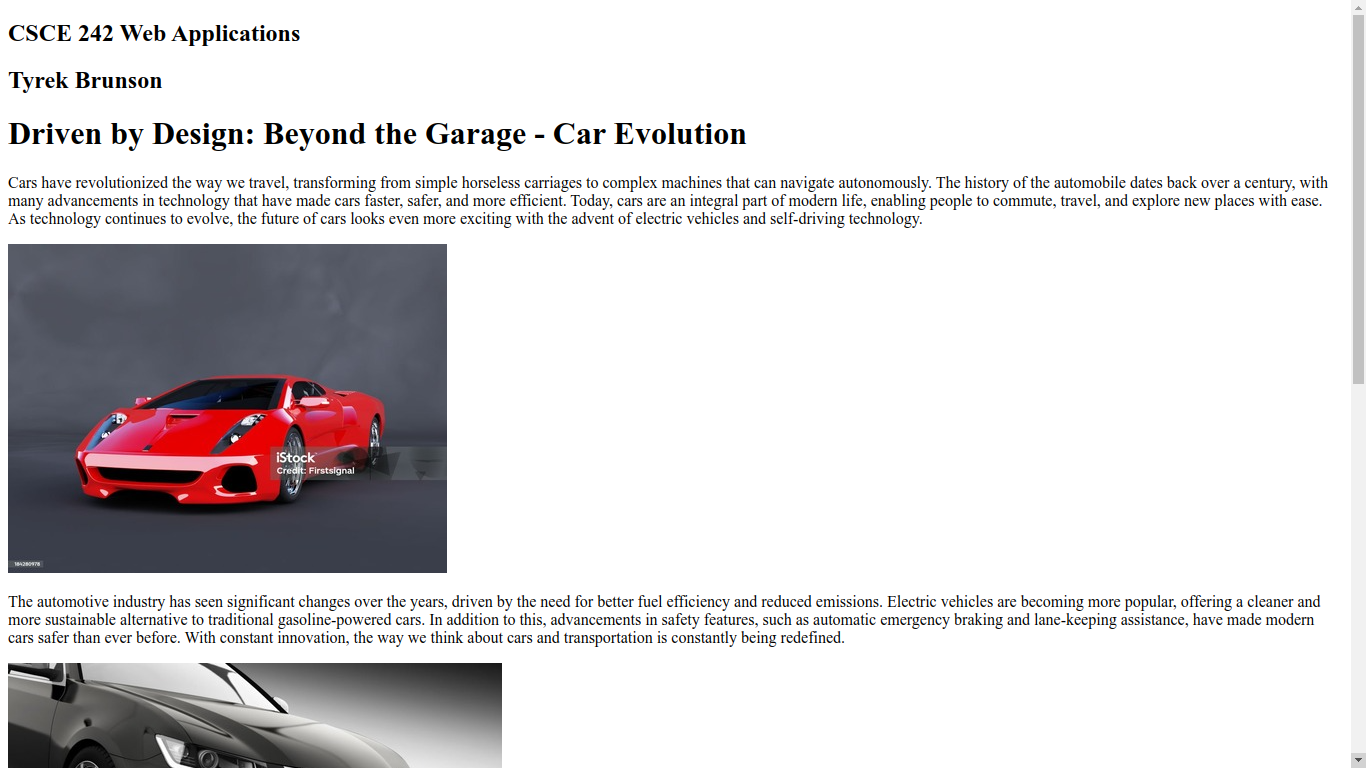
This assignment covers the basics of HTML, including structuring a webpage using elements such as headings, paragraphs, lists, and links.
View Exercise 1
This assignment covers the basics of HTML, including structuring a webpage using elements such as headings, paragraphs, lists, and links.
View Exercise 1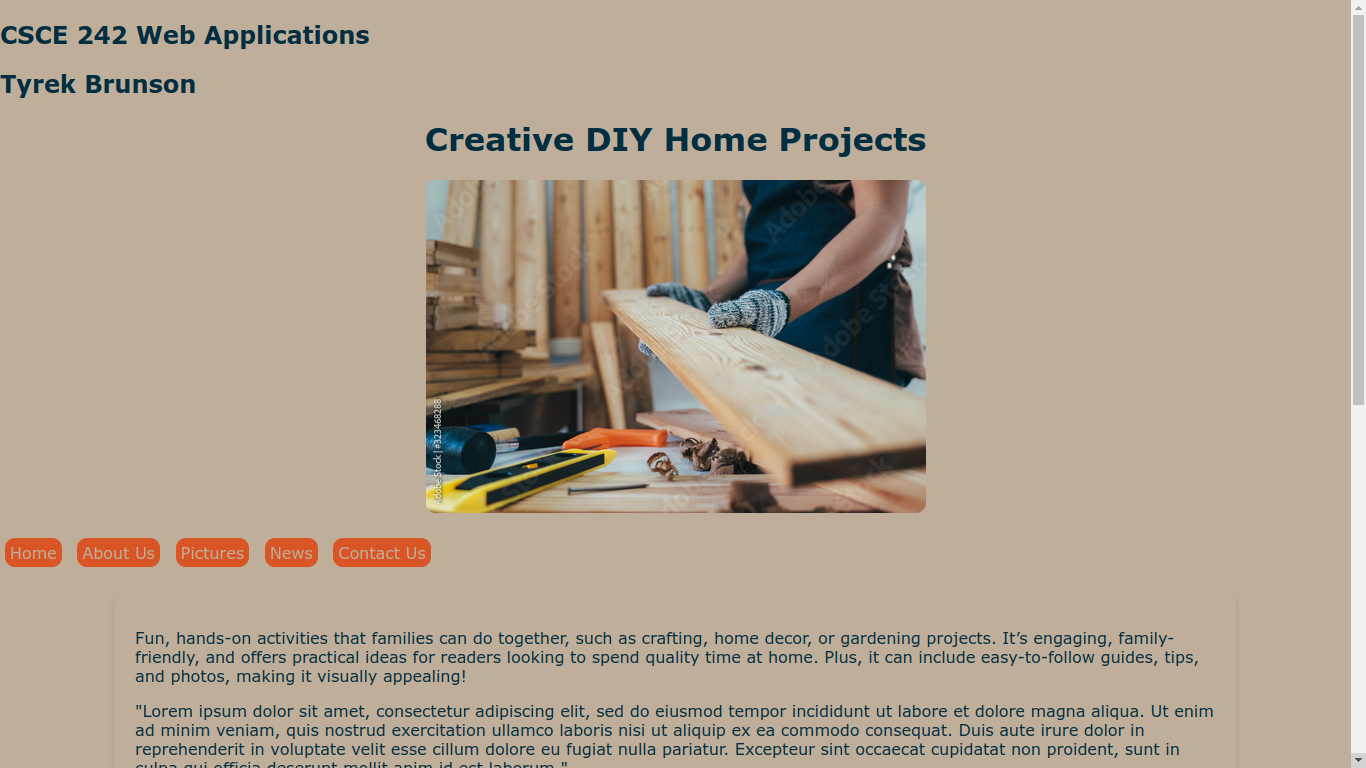
This assignment introduces basic CSS for styling HTML pages, covering properties like color, padding, margin, and text alignment.
View Exercise 2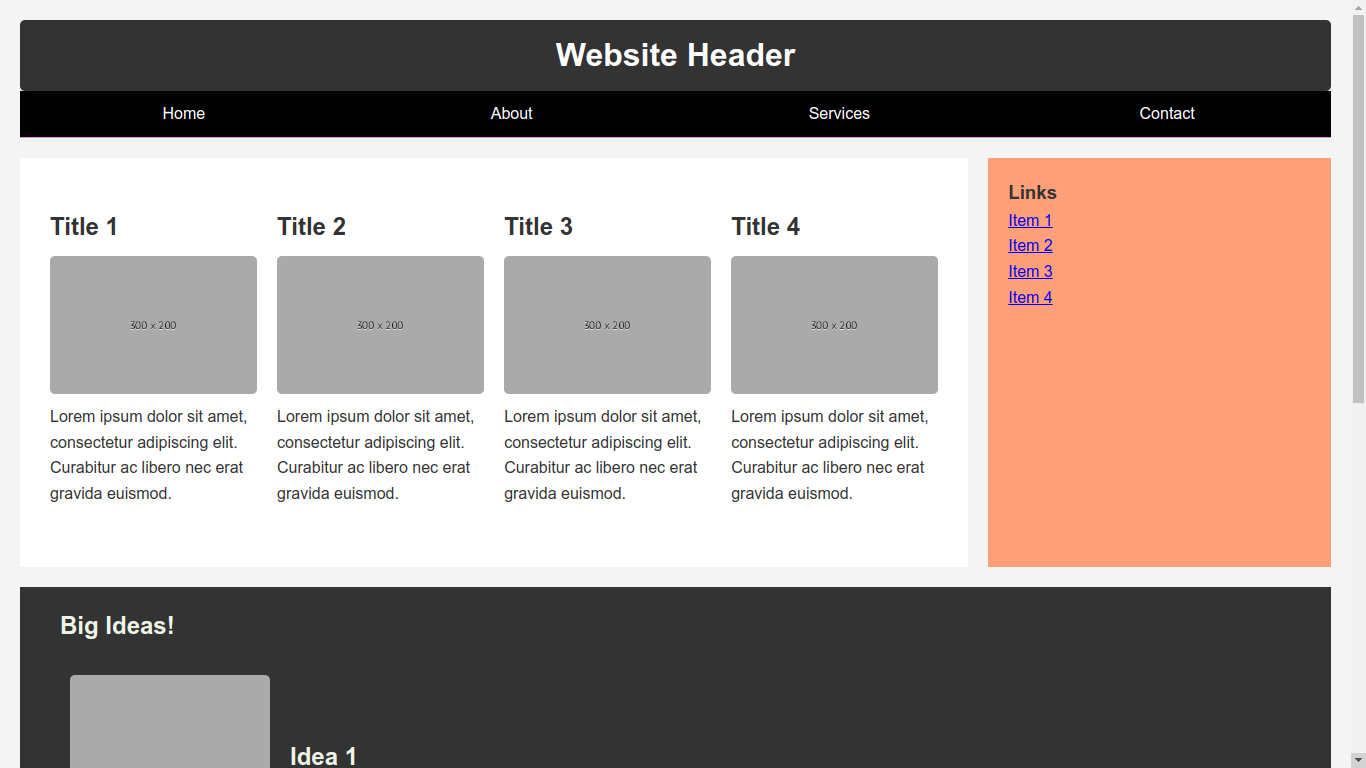
This assignment focuses on creating a webpage layout using Flexbox, with responsive design considerations for different screen sizes.
View Exercise 3
This assignment involved recreating the USC Graduate School Admissions page using Flexbox for layout.
View Exercise 4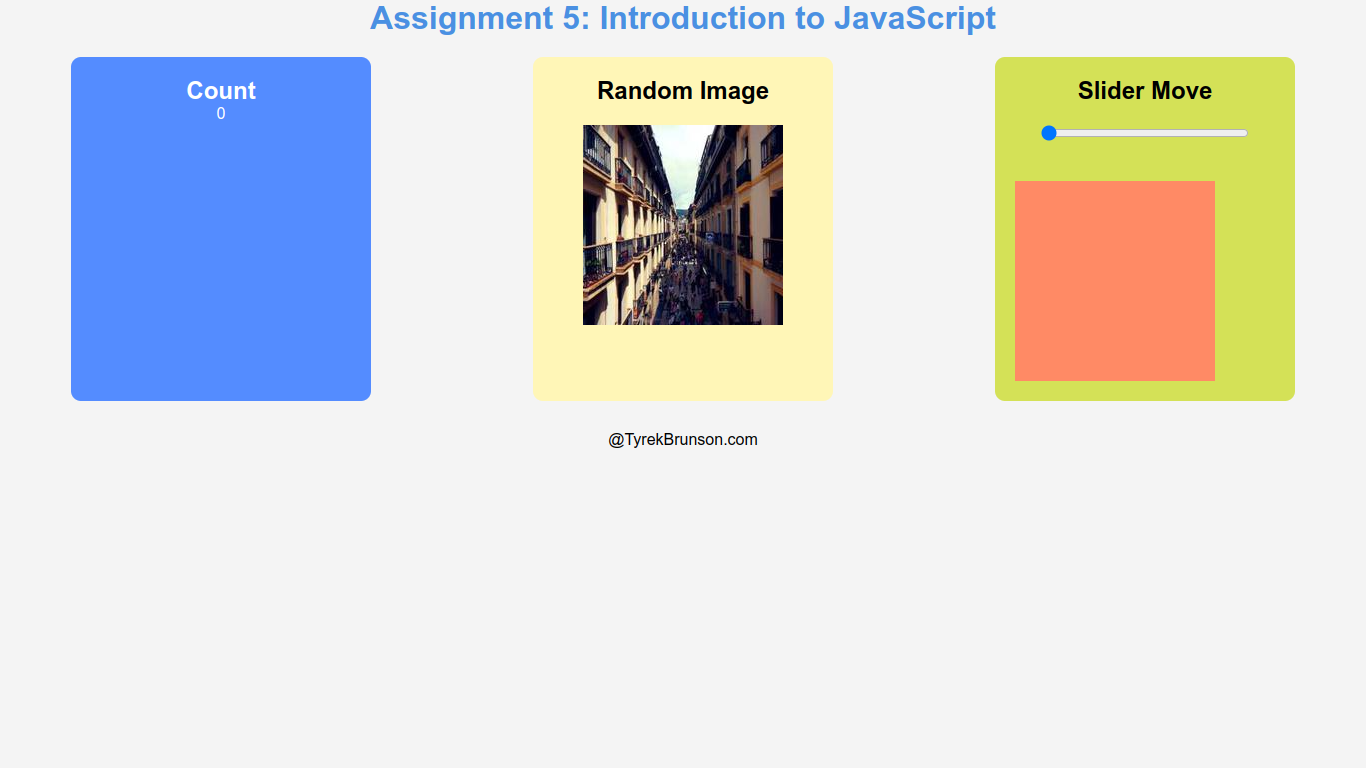
This assignment focuses on creating a web application using JavaScript with buttons, a random image refresh, and a slider. The layout adjusts for mobile screens.
View Exercise 5
This assignment involves creating a web application using JavaScript, featuring buttons, a random image refresh, and a slider. The layout is responsive to mobile screens.
View Exercise 6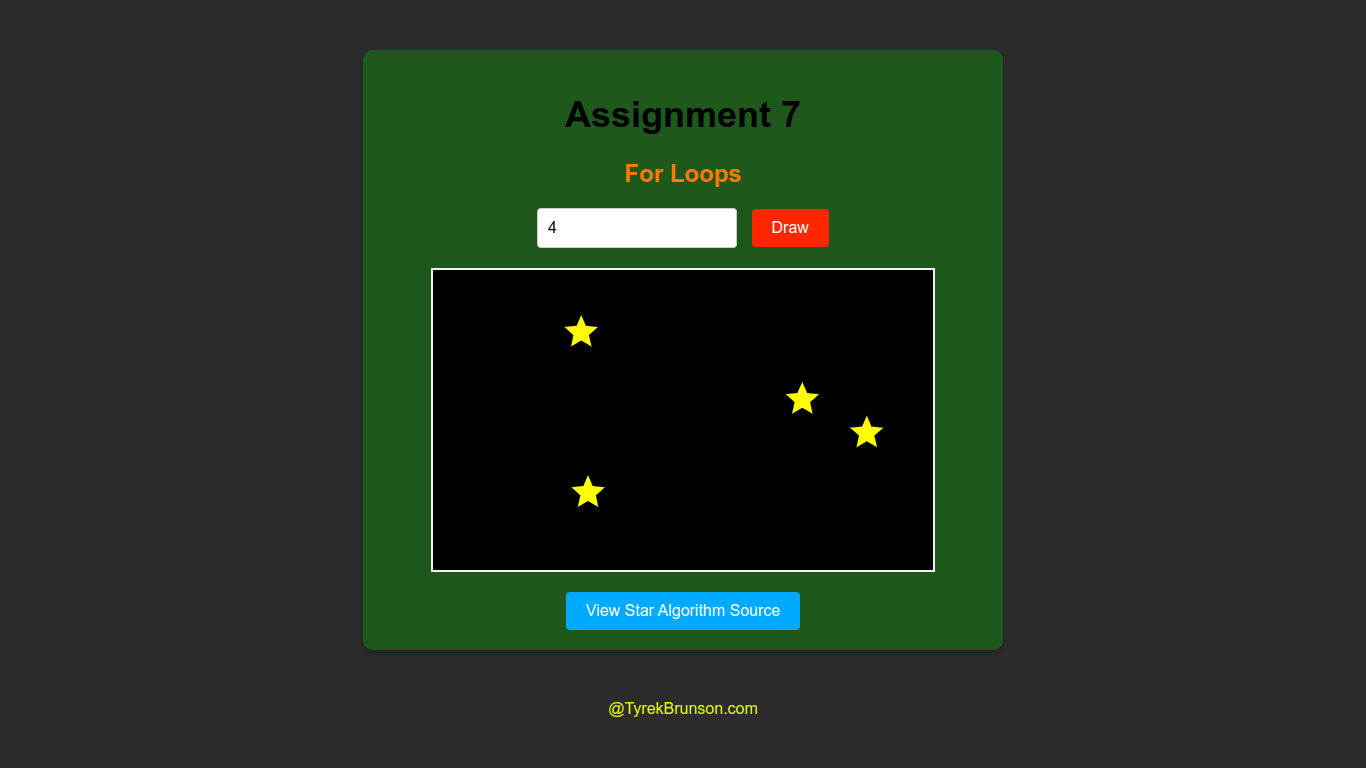
This assignment demonstrates the use of JavaScript to draw 5-point stars on a canvas. It includes user input validation, random star positioning, and a link to the algorithm source.
View Exercise 7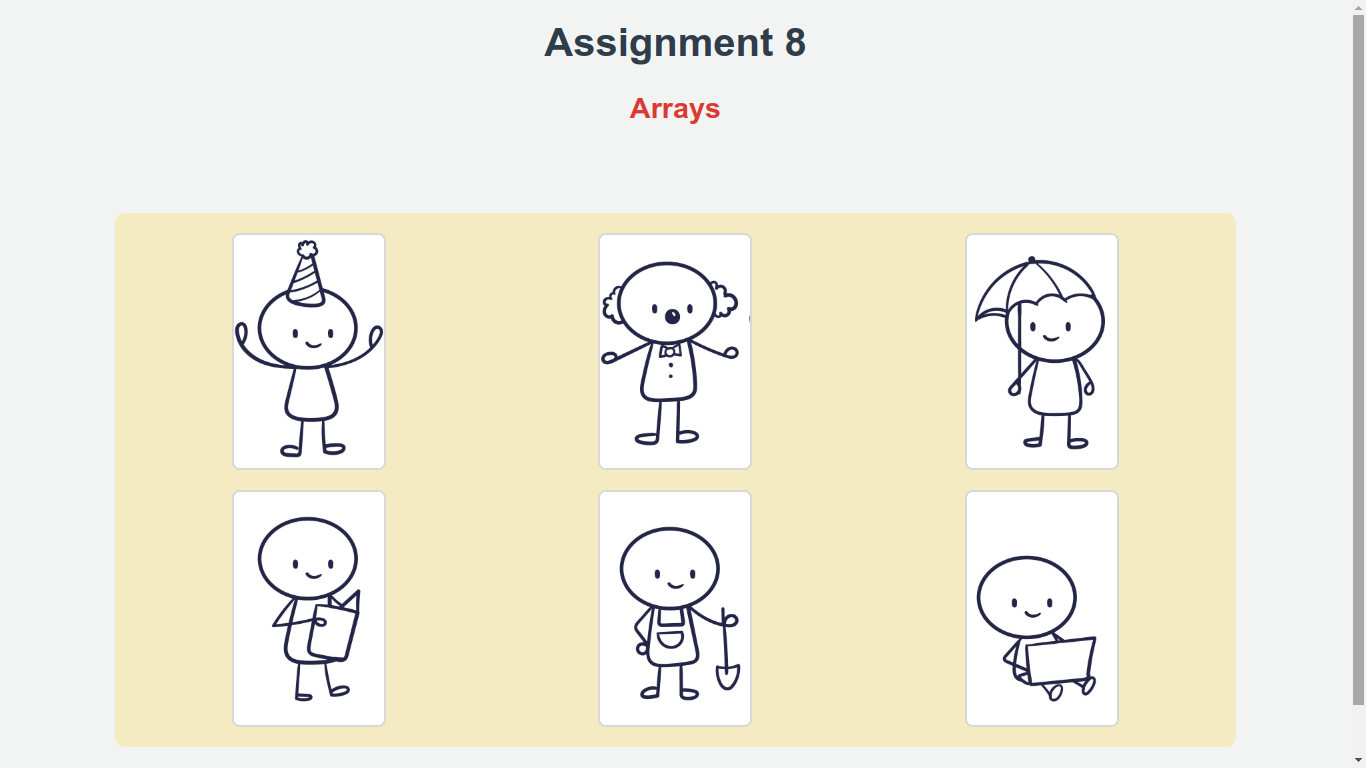
This assignment involves dynamically loading images using arrays in JavaScript and displaying descriptions based on user interaction.
View Exercise 8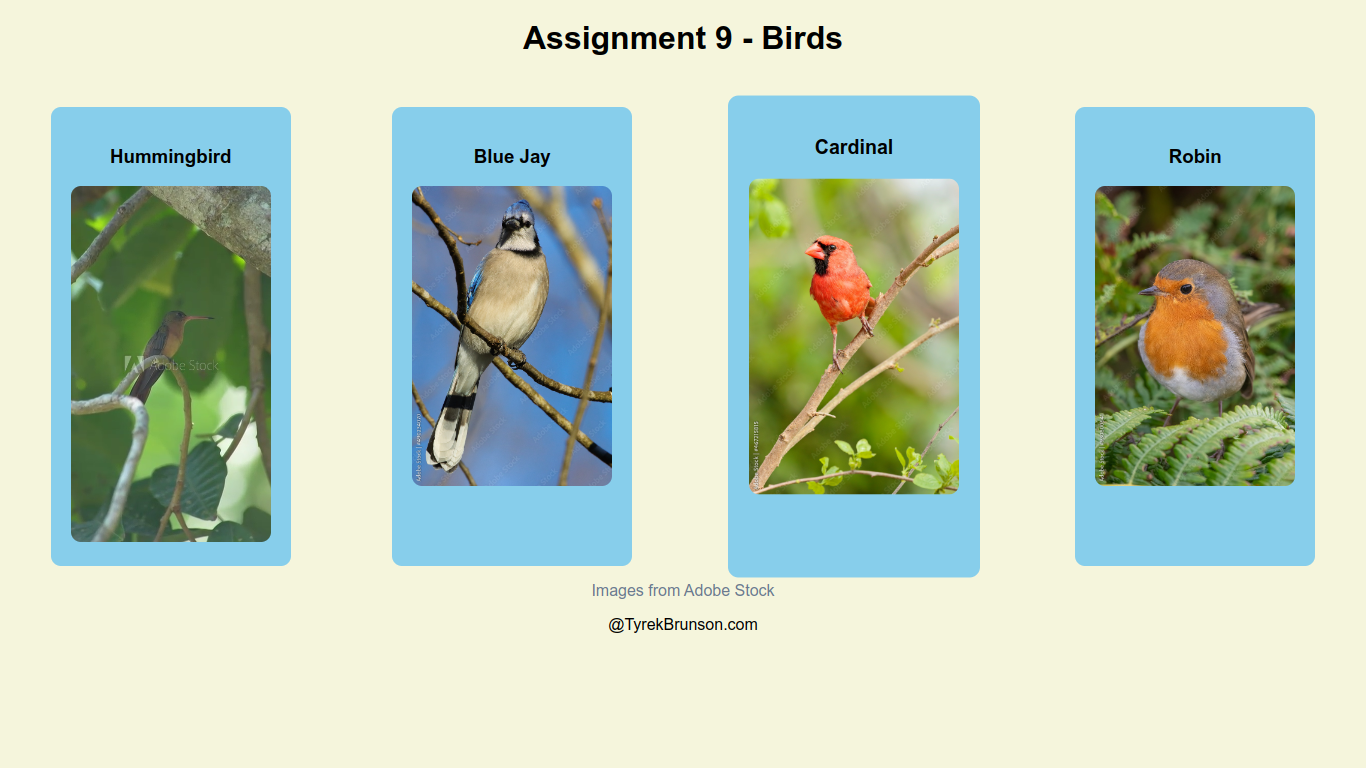
This assignment demonstrates the use of JavaScript classes to display bird information dynamically. Each bird is represented by a class that holds details such as name, image, size, lifespan, food, habitat, and interesting facts. When a bird is clicked, a modal window appears, displaying all relevant information in a clean, interactive layout.
View Exercise 9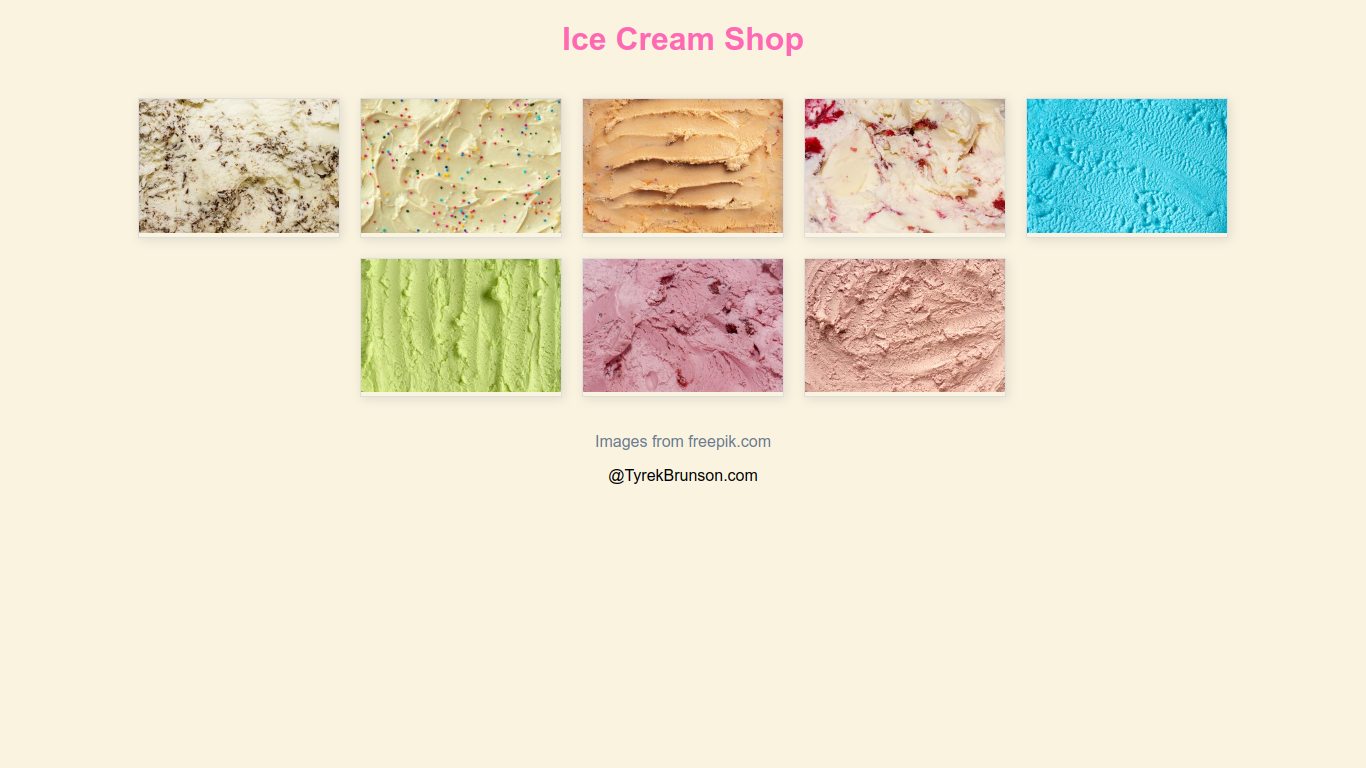
This assignment focuses on parsing a JSON file using JavaScript to dynamically load ice cream images and descriptions. The images are displayed in a grid layout, and when the user hovers over an image, an overlay with the ice cream name appears. The project demonstrates the use of async/await for fetching data, DOM manipulation for creating elements, and CSS for hover effects.
View Exercise 10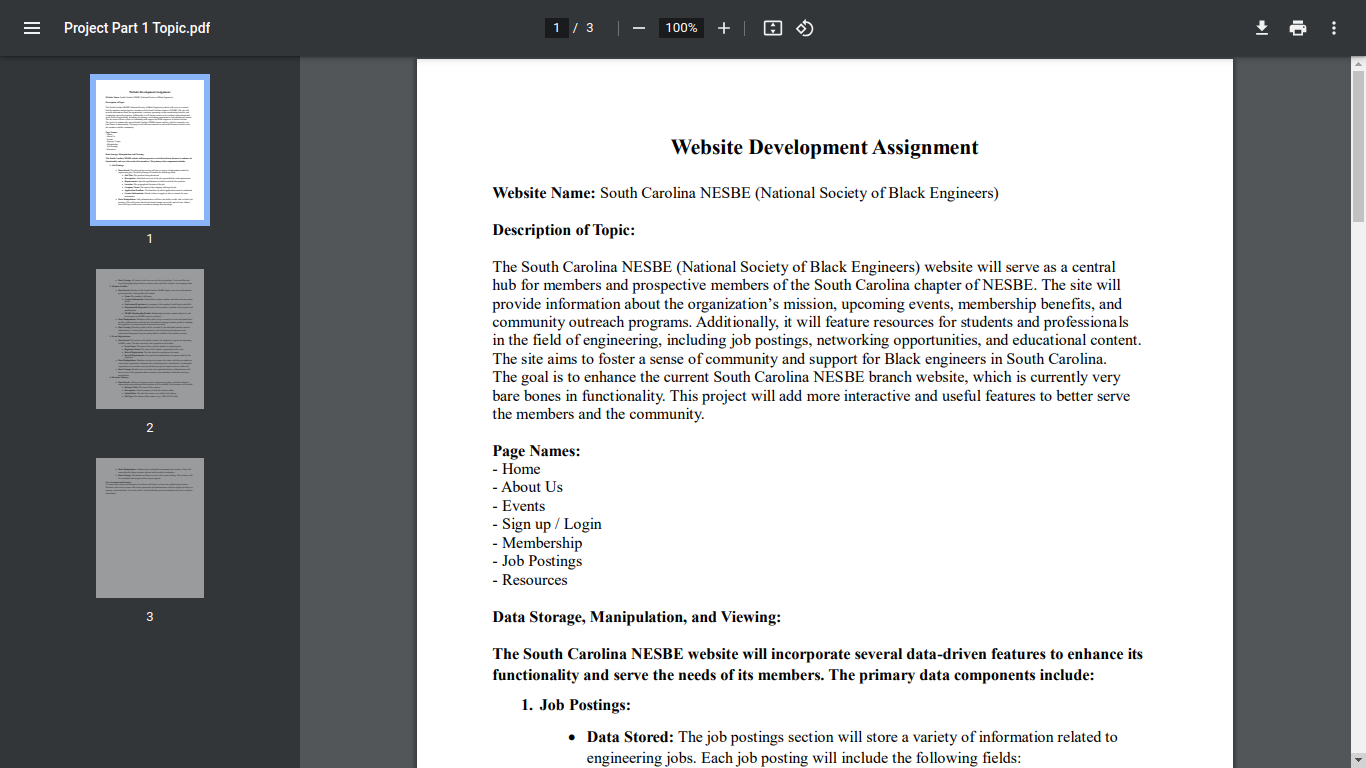
This project involves the development of a website based on a chosen topic. The PDF outlines the topic and the proposed structure of the website.
View Project Part 1 Topic PDF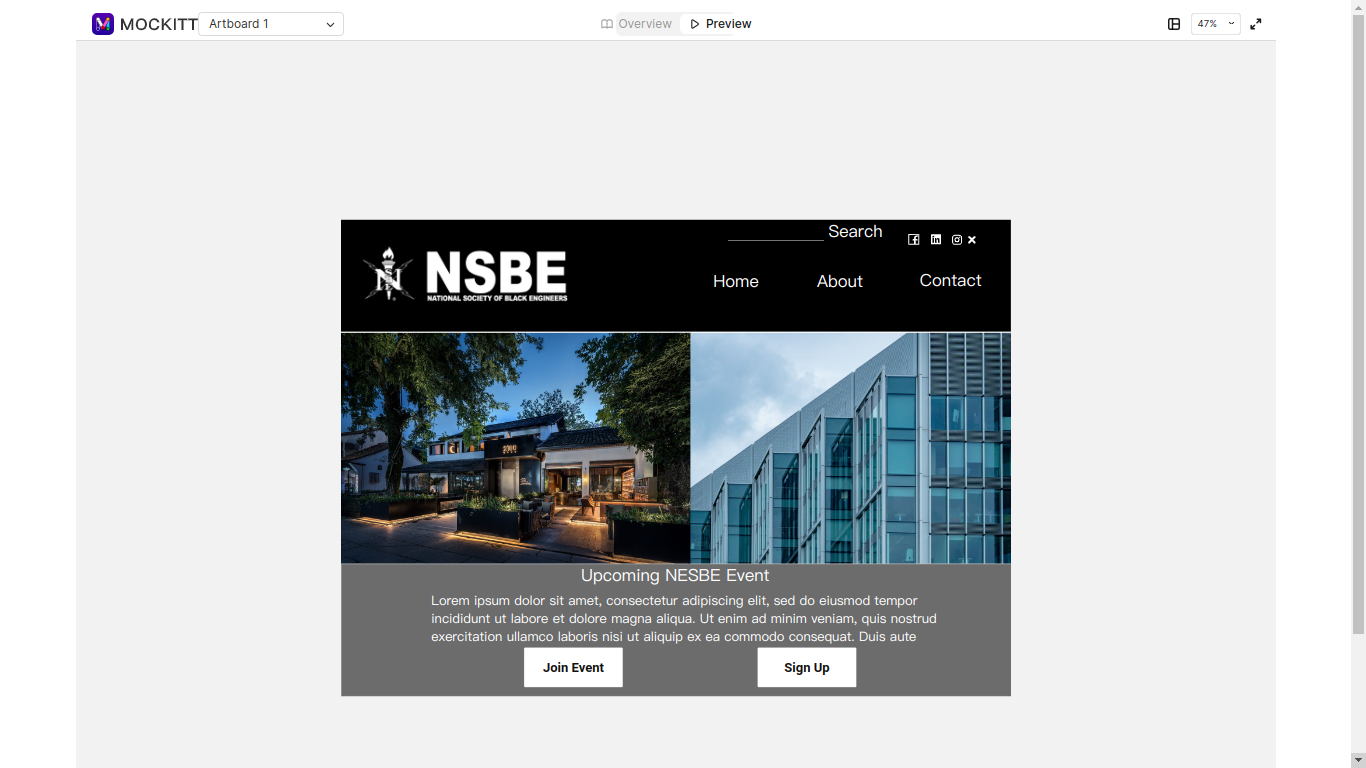
This project step focuses on creating wireframes for the website layout, detailing the visual structure of each page.
View Project Part 2 Wireframe
This project involves implementing my website wireframes using HTML and CSS.
View Project Part 3
This project improves the website with professional images, updated text, a cohesive color scheme, smooth scrolling, and a functional mobile menu.
View Project Part 4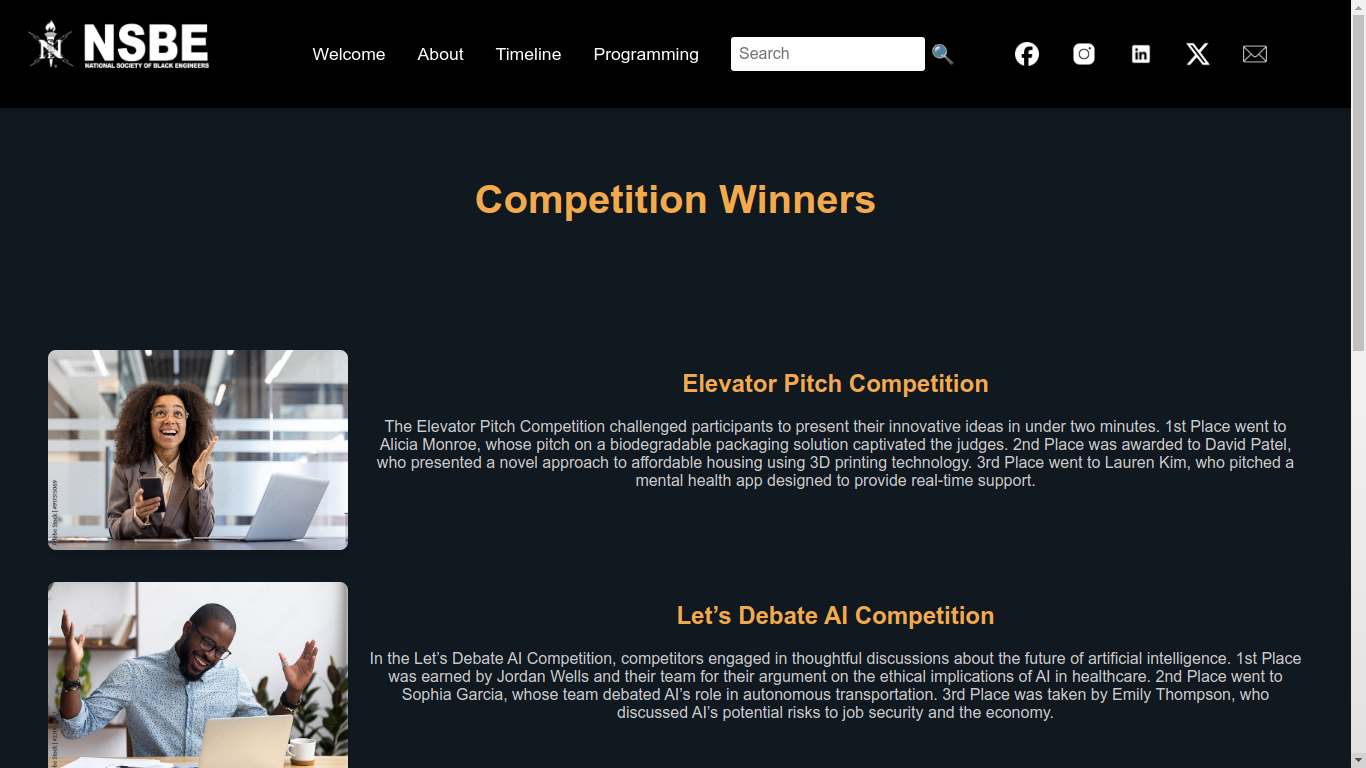
This project finalizes a lot of the core design of the wbsite and adresses the feed back given by from my instructor, TA, and classmates .
View Project Part 5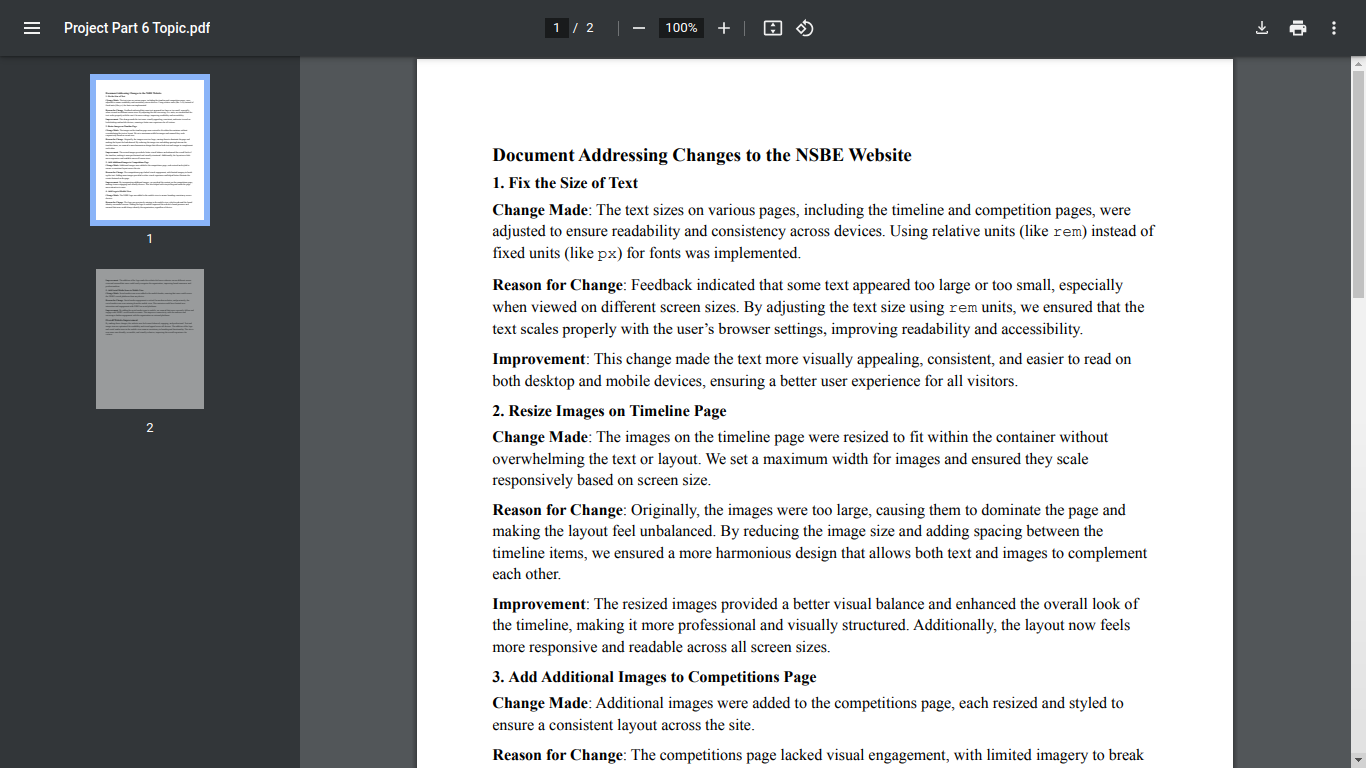
This adresses the final decisions and changes made to the website. It also adresses why they were made and how they improve the over all look and feel of the site.
View Project Part 6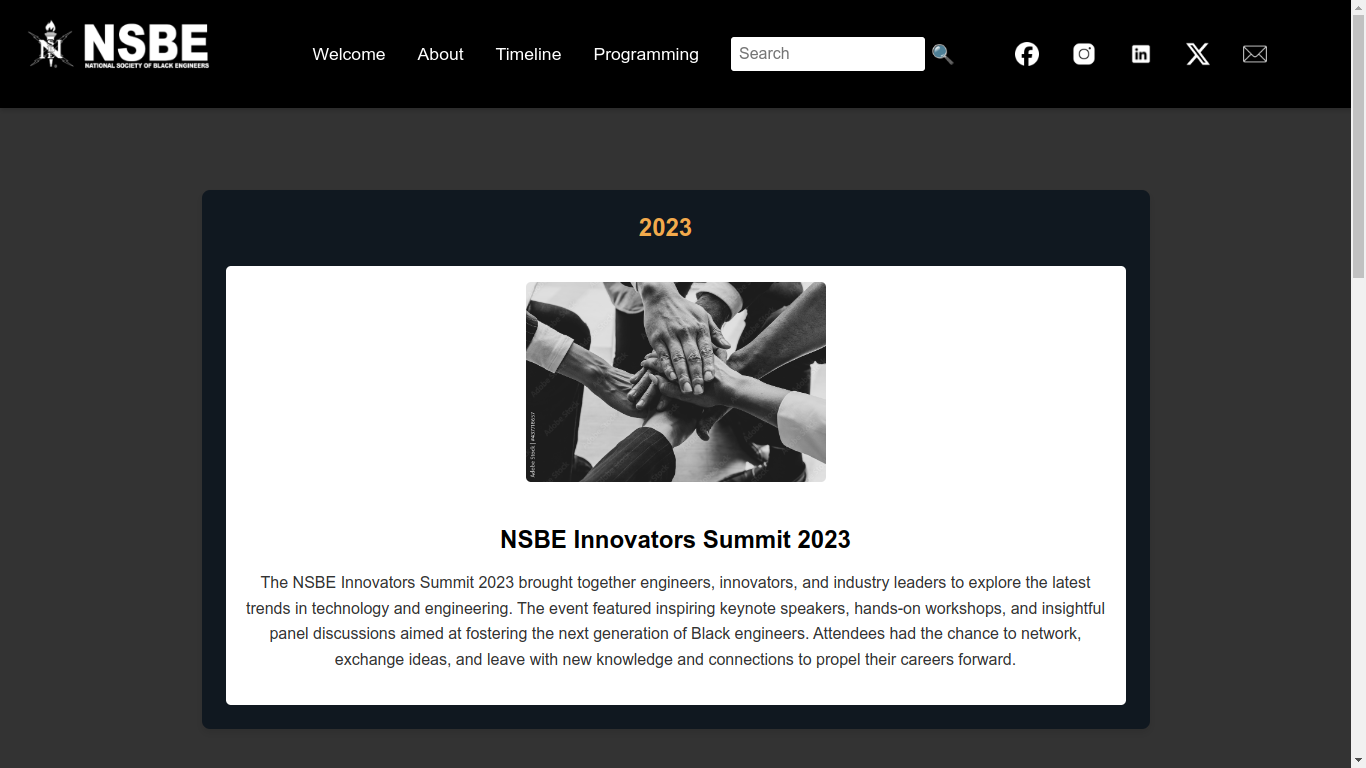
This project dynamically populates the timeline page using a JSON file. We implemented JavaScript to fetch event data from the JSON file and display it on the webpage. This change makes updates easier by editing the JSON instead of hardcoding HTML, improving flexibility and maintainability.
View Project Part 7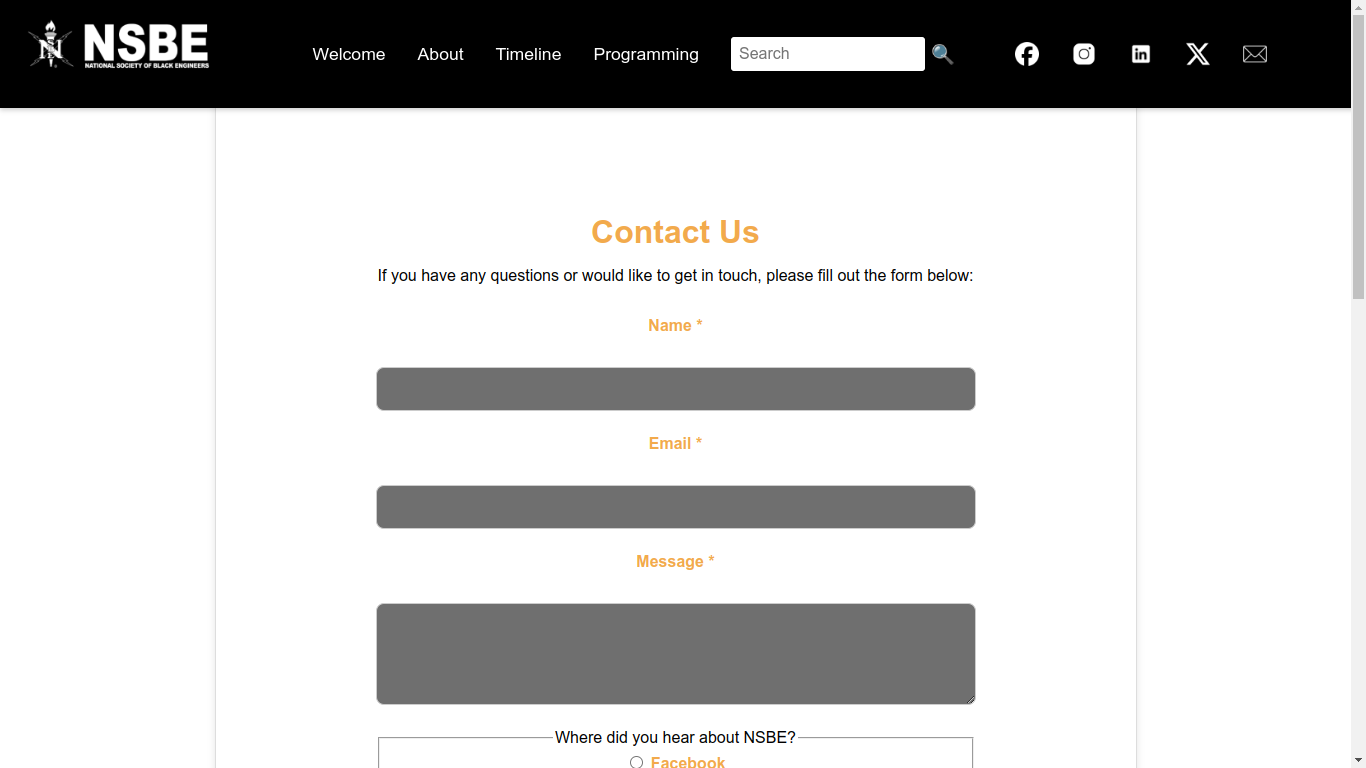
This project integrates a contact form using Web3Forms API to send submissions directly to an email inbox. The form includes field validation, success/error messages, and matches the site’s design. Additionally, a Google Maps iFrame displays the organization’s location.
View Project Part 8
This project converts the website into a React app with client-side routing, creating a seamless single-page experience and enhancing performance and scalability.
View Project Part 9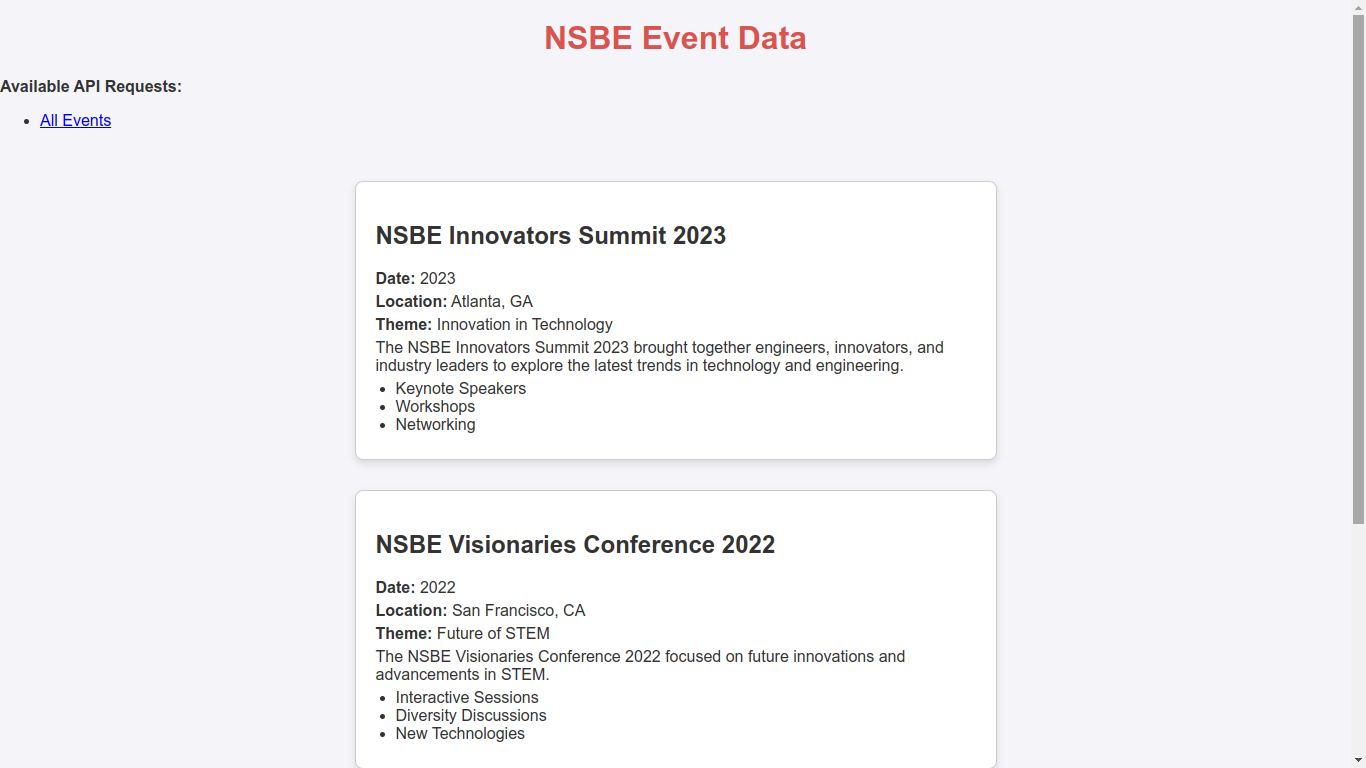
A collection of assignments and projects covering HTML, CSS, JavaScript, JSON parsing, form validation, and React single-page applications for client-server computing.
View Project Part 9